Lay the groundwork
Build the content structure you need with presets, templates or from scratch. Import content from a CSV or manually upload text, images, rich content and more.
Create dynamic, content-driven sites without code. Empower teams to manage and scale site content behind the scenes while the design stays intact.
Start your projectBuild the content structure you need with presets, templates or from scratch. Import content from a CSV or manually upload text, images, rich content and more.
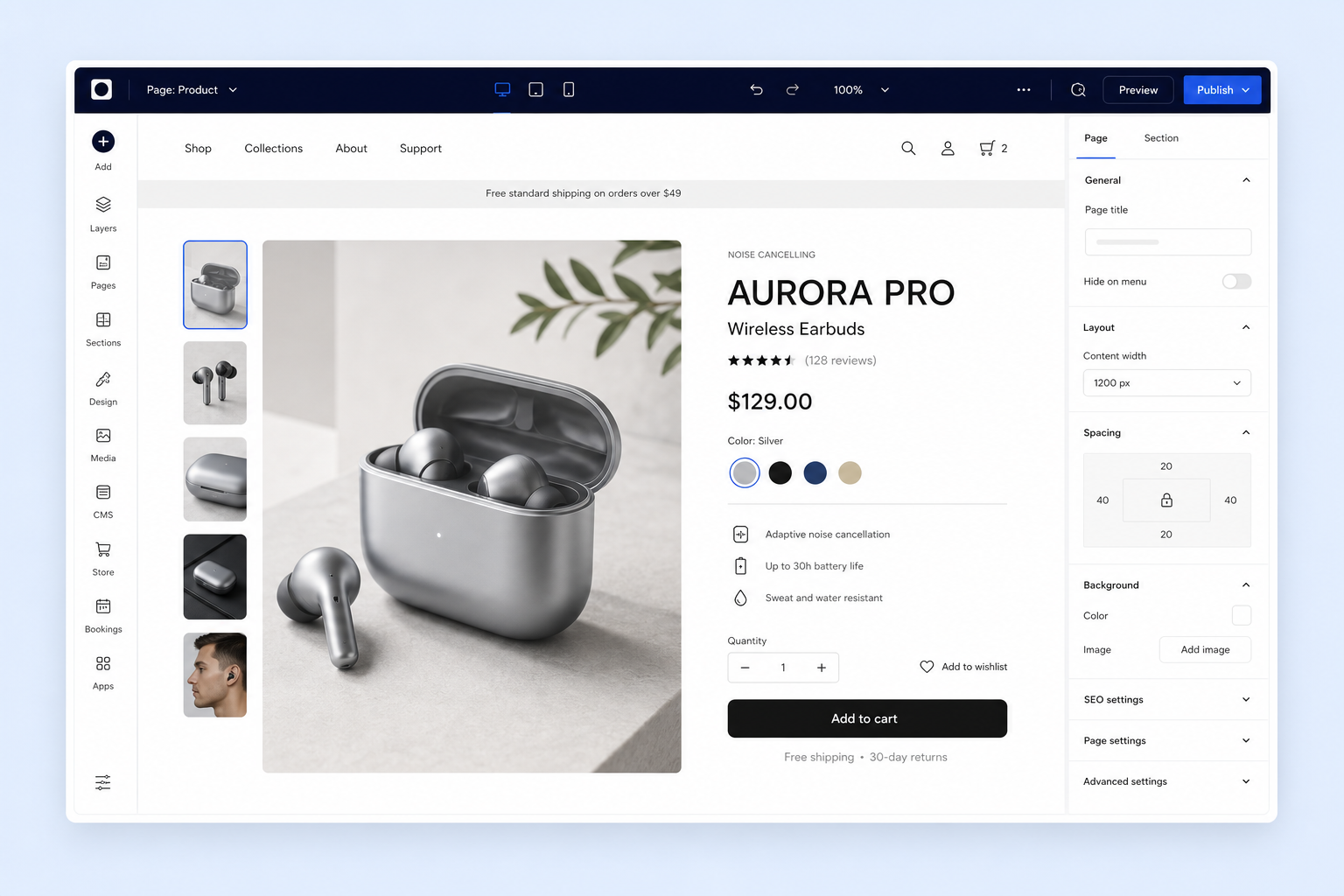
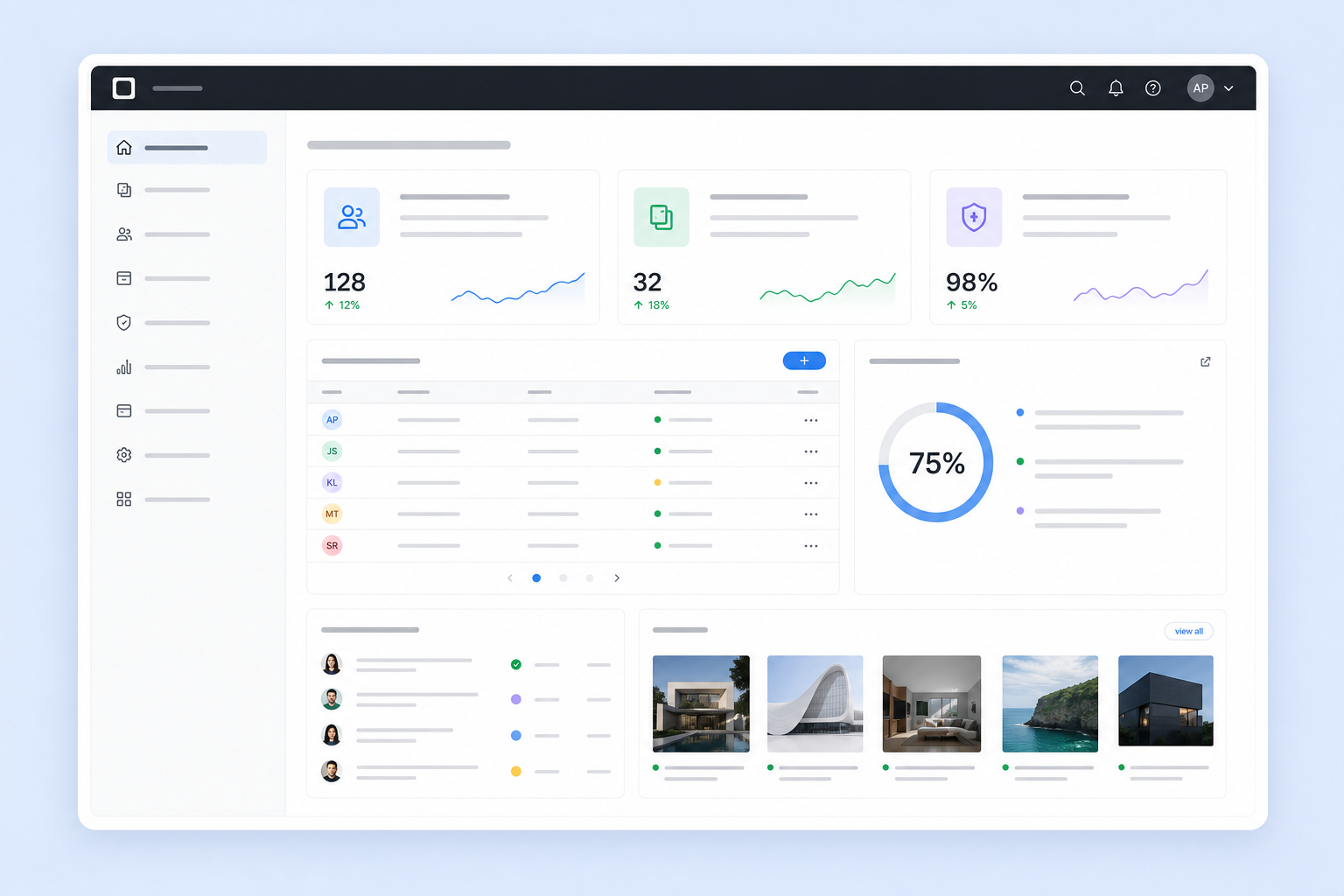
Design with full control in the editor, then connect collections to display dynamic content. Create repeating layouts, add filters and gather content from site visitors.
Give clients or team members the access they need to manage content from an intuitive dashboard, separately from the design.
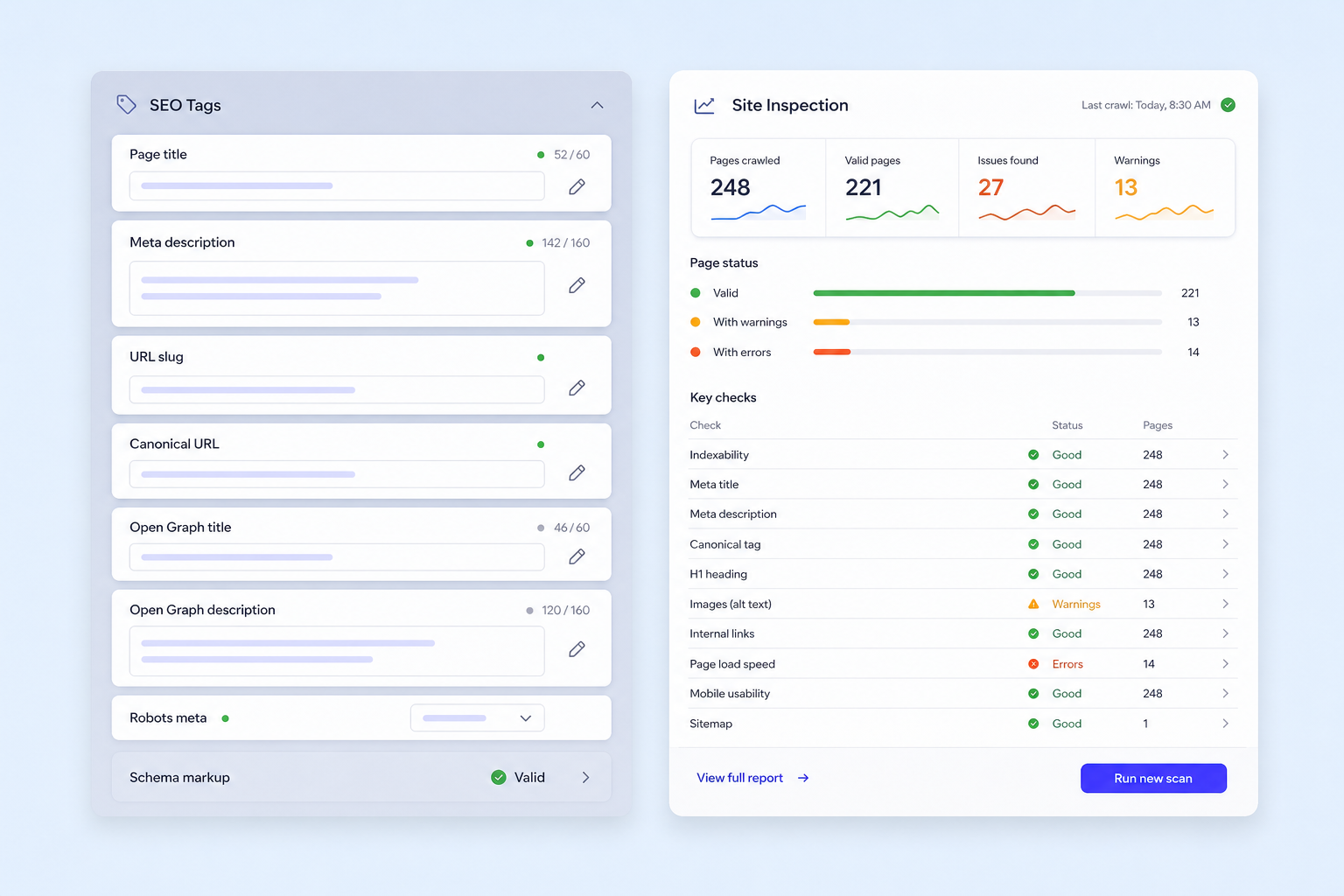
Turn one page into hundreds with the same layout but unique content, URLs and SEO settings. Update or add dynamic content right from your CMS collections and translate it into 180+ languages.
Build faster with ready-made layouts and prebuilt collections that you can customize with your own content and design. Or plug in details and let AI set up collections based on your exact needs.
A selection of my latest creative work.
Real estate listings connected to a reusable collection.
Centralize content management across multiple sites with account-level CMS. Control what appears where, make bulk updates and collect form submissions in one place.
Let's talkLearn more ↗


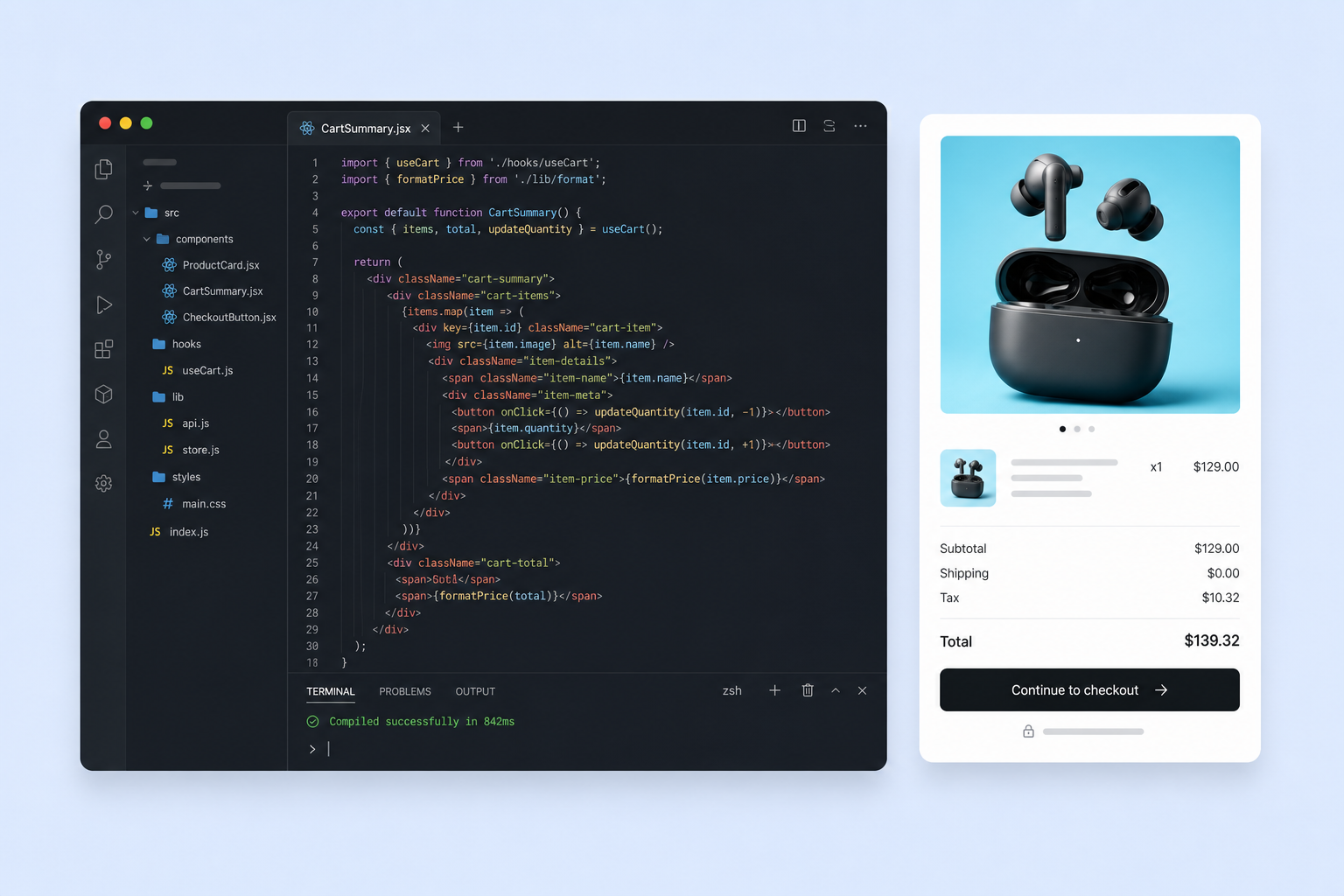
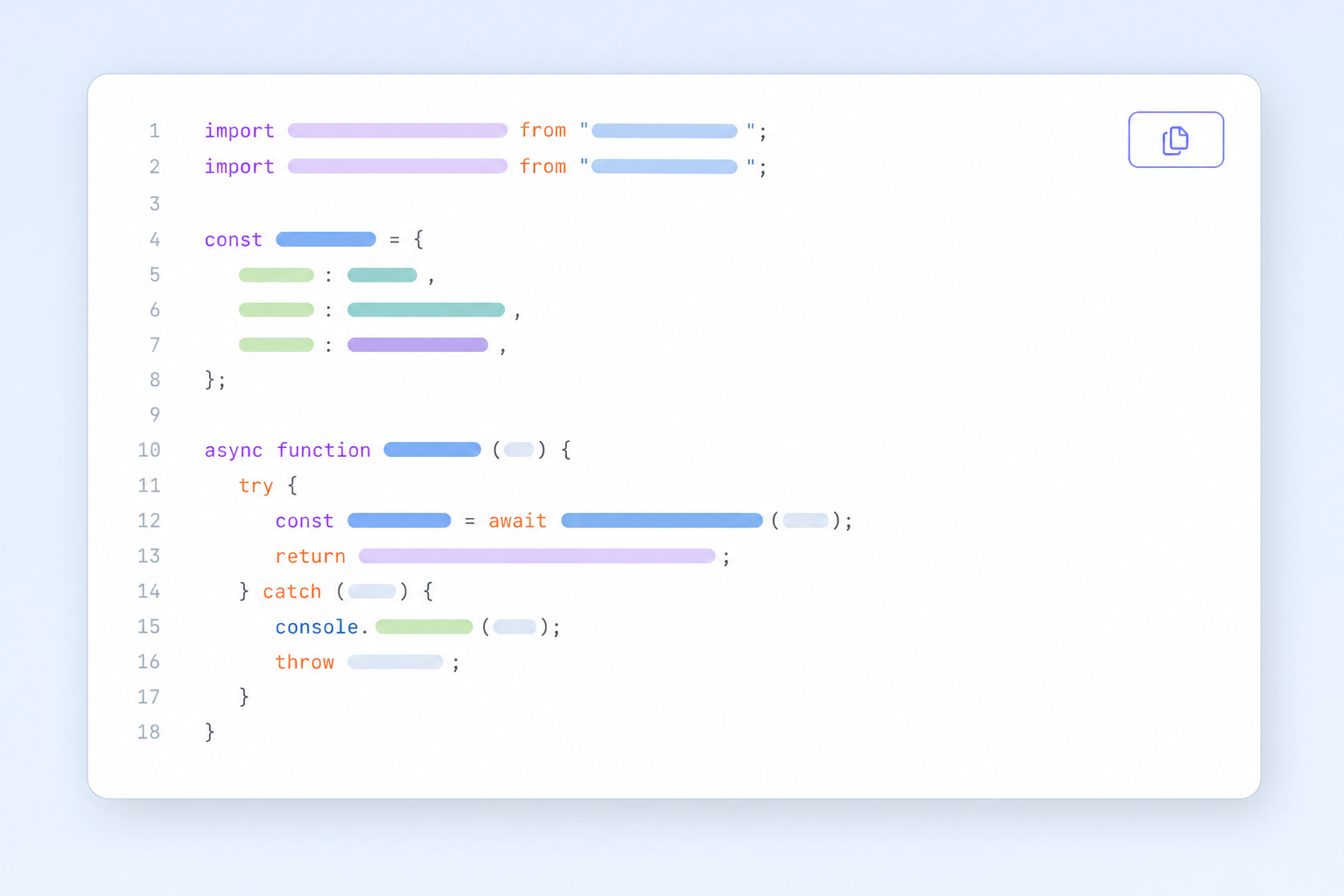
Use Data APIs to manage CMS content with code. Fully control filters and sorting, query items, intercept interactions using hooks and aggregate data from collections.
Take the CMS to any platform so you can manage data for multiple websites and apps, all from a single dashboard.
Starter templateRead docs ↗import { createClient, OAuthStrategy } from '@bugence/sdk';
import { items } from '@bugence/data';
const cms = createClient({
modules: { items },
auth: OAuthStrategy({ clientId: 'MY_CLIENT_ID' }),
});
const { items: results } = await cms.items
.query('TravelDestinations')
.find();
console.log('Total:', results.length);